
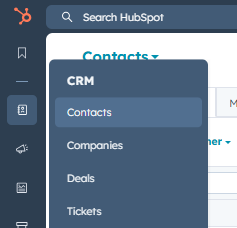
In order to add a contact to a static list in HubSpot, navigate to "Contacts" in the menu:
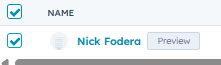
From there, search for the contact you want to add to your static list. Then, check the box on the left-hand side of the contact view:
Along the top of the table, you'll see an option to "Add to static segment". Click it:

Then, search for the segment you are looking for:
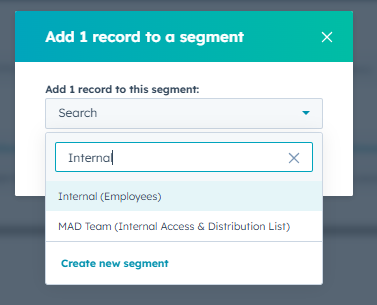
Select your segment, and click "Add". Your contact will now be a member of the segment (list).