![Dark BG logo-01.png]](https://www.marketingallday.com/hs-fs/hubfs/MAD%20-%20Logos/Dark%20BG%20logo-01.png?height=50&name=Dark%20BG%20logo-01.png)
Accessing User Settings:
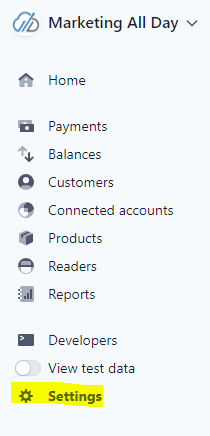
Go to Settings:
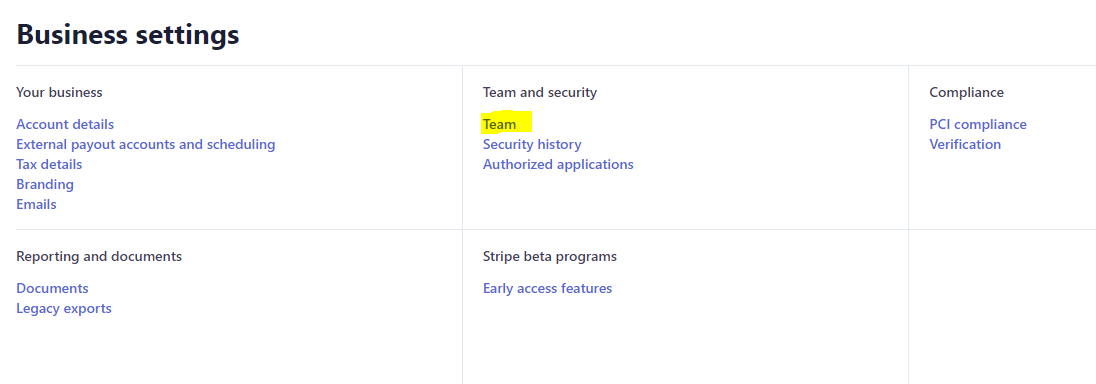
Under "Business settings", go to "Team"
Under team, click "+ New member",

Then select the appropriate permissions:
Administrator, Finance or Accounting
Here is the "View Only" access that allows for what's needed to identify new charges and reconcile any fees against invoices.
